Busy With a Client? 12 WhatsApp Auto-Replies Every Salon Should Set Up
“Hi! How much do you charge for balayage?”
Twenty minutes later, another message.
“Do you have availability tomorrow?”
You can’t stop what you’re doing, so you tell yourself you’ll reply later.
By the time you do, the customer has already booked somewhere else.
If this sounds familiar, you’re not alone. For many beauty businesses, WhatsApp has become the first point of contact. But clients also expect quick answers. The good news? You don’t have to be glued to your phone all day.
With WhatsApp Business, you can save time, look more professional and make it easier for clients to book by using auto-replies and quick replies.
Auto-replies vs. Quick Replies: What’s the Difference?
Before we dive in, it’s worth knowing the difference.
- Auto-replies are sent automatically, for example when someone contacts you outside business hours.
- Quick replies are messages you save in advance and send with just a few taps whenever you need them.
Using both together creates a smoother experience for your clients—and saves you from typing the same message over and over again.
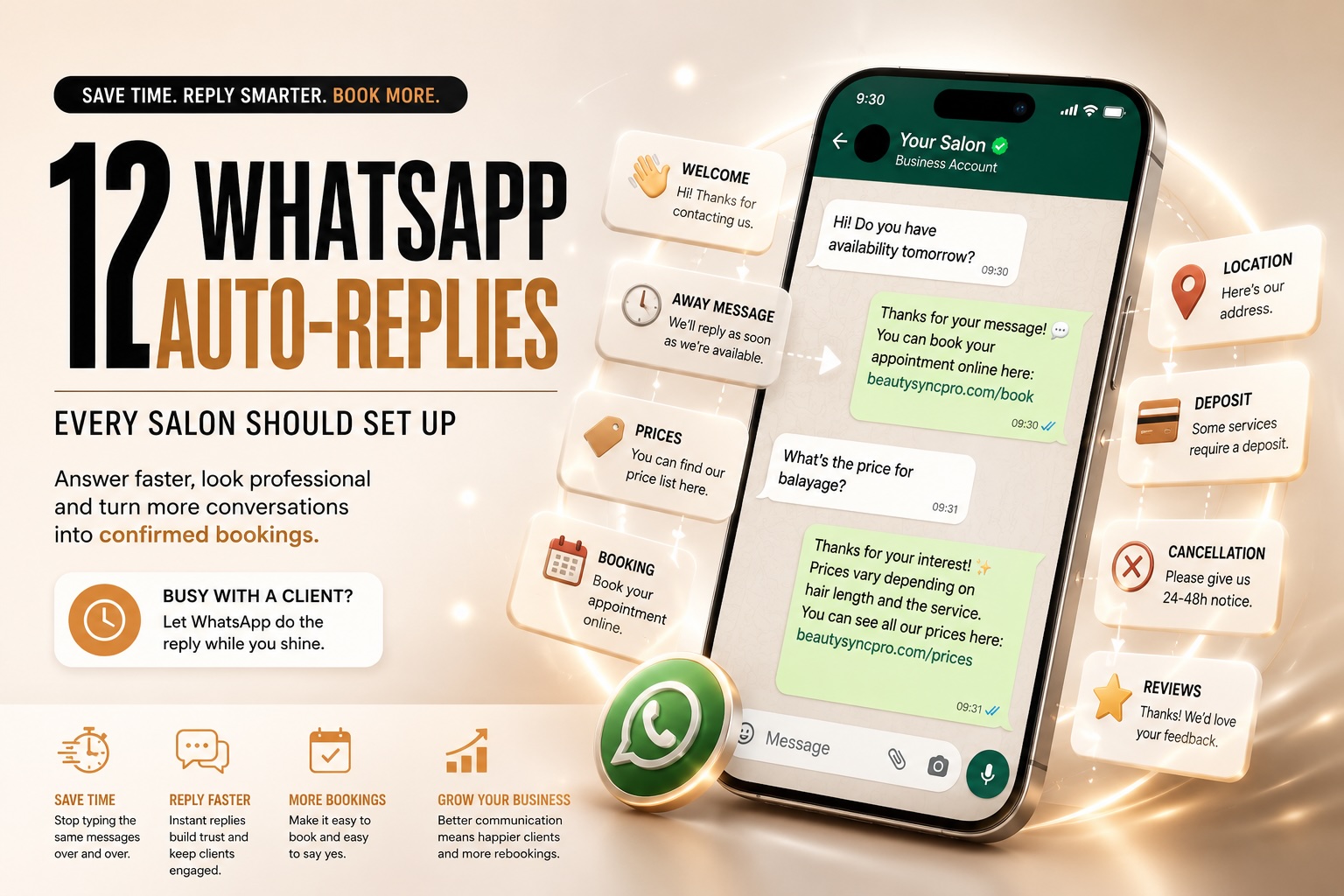
12 WhatsApp Replies Every Salon Should Have Ready
1. Welcome Message
Hi! 👋 Thanks for contacting [Your Business Name]. We’ll get back to you as soon as possible. In the meantime, you can also book online here: [Booking Link]
2. You’re With a Client
Thanks for your message! We’re currently with a client, but we’ll reply as soon as we’re available. Thank you for your patience.
3. Outside Business Hours
Thanks for reaching out! We’re currently closed, but we’ll reply during our next business day. You can also book online 24/7 here: [Booking Link]
4. Price Enquiry
Thanks for your interest! Prices vary depending on the service and hair length. You can find our price list here: [Website or Booking Link]
5. Booking Link
You can book your appointment online in just a few minutes using this link: [Booking Link]
6. Cancellation Policy
We kindly ask for at least 24 or 48 hours’ notice for cancellations or changes. You can read our full policy here: [Link]
7. Deposit Information
Some services require a deposit to secure your appointment. This helps us reduce last-minute cancellations.
8. Location
You’ll find us at: [Address]. Here’s the Google Maps link: [Maps Link]
9. Consultation Required
We’d love to help! For the best advice, please send us a recent photo of your hair along with a brief description of what you’d like to achieve.
10. Running Late
No problem! Please let us know approximately how late you’ll be so we can see how best to accommodate your appointment.
11. Fully Booked
Thank you for your message! Unfortunately, we’re fully booked on your requested day. Would you like us to suggest the next available appointment?
12. Thank You
Thank you for choosing us! We hope you enjoyed your visit. We’d really appreciate it if you could leave us a Google review—it helps other clients find our salon.
A Small Change That Makes a Big Difference
Most clients don’t expect an instant conversation. They simply want to know that their message has been received and what the next step is.
A clear, friendly reply builds confidence, reduces unnecessary back-and-forth and often encourages clients to book immediately instead of continuing to search elsewhere.
If you find yourself answering the same questions every day, it’s probably time to let WhatsApp do some of the work for you.
Need help setting up WhatsApp Business for your salon?
At BeautySync Pro, we help beauty professionals streamline their digital tools—from online booking systems and websites to WhatsApp Business, Google visibility and business automations.
Less time answering repetitive messages. More time looking after your clients.
We are here for you. Let’s talk!